
The short answer: it depends on how you install. If you choose to keep your files, drive C keeps your personal folders, but installed software is lost. If you format drive C, everything on it, including Desktop and Documents, disappears. The habit of saving files on the Desktop is the reason many people lose the most data.
Three ways to install and what happens to your data
| Method | Personal files | Installed software |
|---|---|---|
| Reset, keep my files | User folders kept | Lost, must be reinstalled |
| Reset, remove everything | Lost | Lost |
| Format drive C and install fresh | Everything on drive C is lost | Lost |
Check before installing
- Desktop, Documents, Downloads, Pictures: these folders live on drive C.
- Browser data: passwords and bookmarks. Sign in to your account to sync.
- Project files, software licenses (Office, Adobe) and activation keys.
- Messaging apps: Zalo and Telegram history must be backed up inside the app itself.
- A list of the software you use so you can reinstall it all.
- Wi-Fi login details, Microsoft account and email.
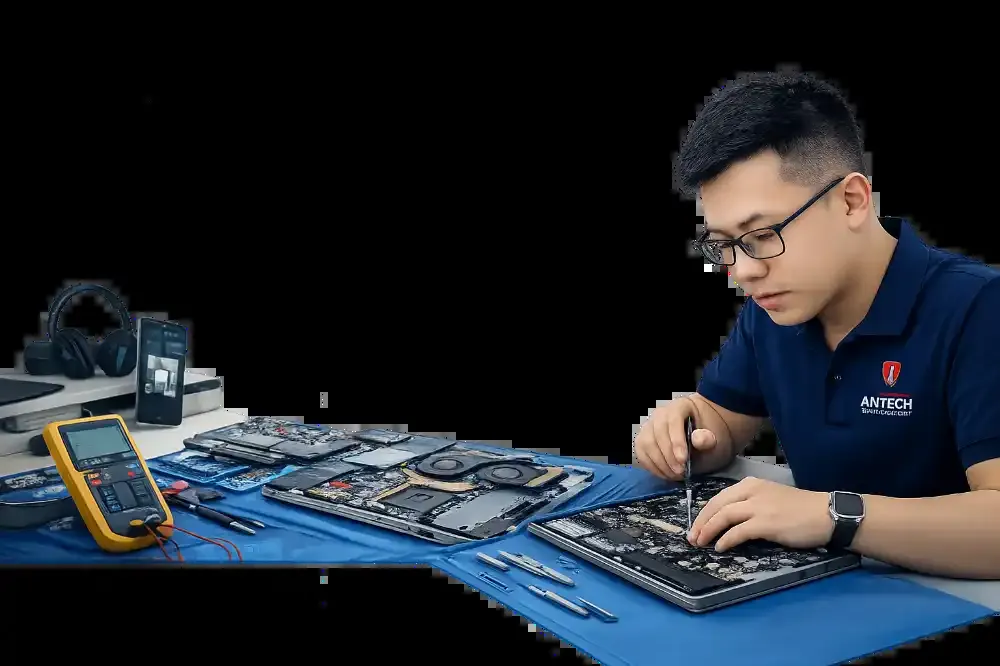
Our Windows installation process at ANTECH
- Back up all user dataCopy it to a separate drive and check that the files open before installing.
- Install licensed Windows or the edition you are usingActivate with the correct key or the machine's digital license.
- Install drivers for the modelAudio, Wi-Fi, touch and graphics drivers in the correct versions.
- Install needed software and return your dataWe recheck the machine and hand it over with a list of the software installed.
Does a slow machine need Windows reinstalled?
How long does reinstalling Windows take?
Backup, install, check and handover in a single day.
Related articles

Backing Up Data Properly: the 3-2-1 Rule for Families and Small Shops
The 3-2-1 backup rule explained with real examples for families and small shops: how many copies, where, how often, and how to check a copy still wor…

Failing Hard Drive: What to Do and What Not to Do to Save Your Data
Hard drive showing errors, not detected or clicking? A guide to what to do, what you must never do, and when to hand the drive to a technician to kee…

LAN and Wi-Fi for a Small Office: What to Decide Before Running Cables
Designing LAN and Wi-Fi for an office of 5-30 people: cable choice, access point positions, guest and staff zones, and common cabling mistakes.