
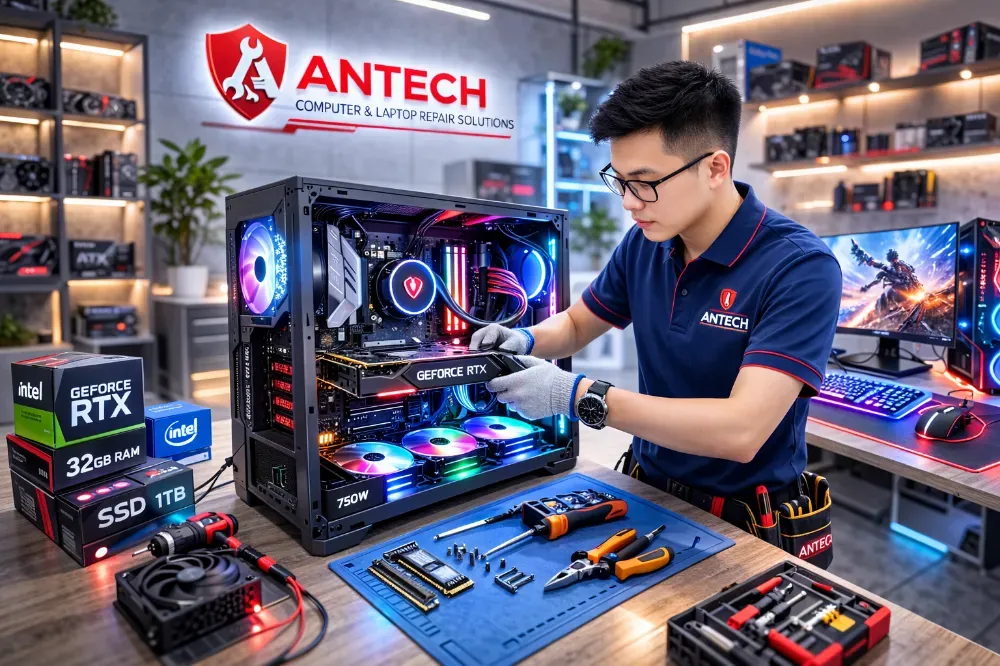
A good PC is not the one with the most expensive parts, but the one where no part holds another back. A powerful graphics card with a weak CPU will bottleneck, and an underpowered supply makes the machine shut down under load. We start from your work, then choose the parts.
We start with three questions
- What do you use the PC for: which games, video editing, design, programming or accounting software.
- What is your monitor resolution (1080p, 1440p, 4K), since it determines the graphics card you need.
- What is your maximum budget and how long do you plan to use it, 3 years or 6 years.
PC problems we see most often
| Symptom | Common cause | What we do |
|---|---|---|
| Shuts down while gaming | Weak power supply, poor cooling, dried CPU paste | Measure power draw, check temperatures, replace paste |
| No display but fans spin | Loose RAM, graphics card, BIOS | Test each RAM stick, swap ports, reset BIOS |
| Blue screen (BSOD) | Faulty RAM, drivers, drive | Read the error code, test each component |
| Noisy fans, hot machine | Dust, reversed airflow | Clean, reposition the fans |
How handover works
The machine is load-tested on CPU and graphics card long enough for temperatures to stabilize, then handed over with a spec sheet and warranty per component. You receive a slip with the serial numbers of the main parts.
Need advice on a PC configuration?
Get configuration adviceTell us your work and budget, and ANTECH will propose a balanced configuration.
- Balanced CPU, GPU, power supply and cooling
- Neat cable routing and real load testing
- Fixes for no display, random shutdowns and resets
- RAM, SSD and graphics card upgrades
- Handover with a spec sheet and warranty
Other services
- Laptop, PC & MacBook Repair in Ninh Binh
- Data recovery for hard drives, SSDs, USB drives and memory cards
- LAN & Wi-Fi installation for offices and shops
- Security camera installation for homes, shops and offices
- IT Support & Helpdesk for small businesses
- Buying and liquidating laptops, PCs, internet-cafe rigs and office equipment
Repairs by model and common fault
- Dell Laptop Not Powering On Repair in Ninh Binh
- MacBook Battery Replacement in Ninh Binh
- Laptop Screen Replacement in Ninh Binh
- HP Laptop Overheating and Noisy Fan Repair in Ninh Binh
- Lenovo ThinkPad Power, Keyboard and Screen Repair in Ninh Binh
- Asus/Acer Gaming Laptop Overheating, Shutdown and Lag Repair in Ninh Binh
- Desktop PC No Display Repair in Ninh Binh
- Windows, Driver and Software Installation in Ninh Binh