
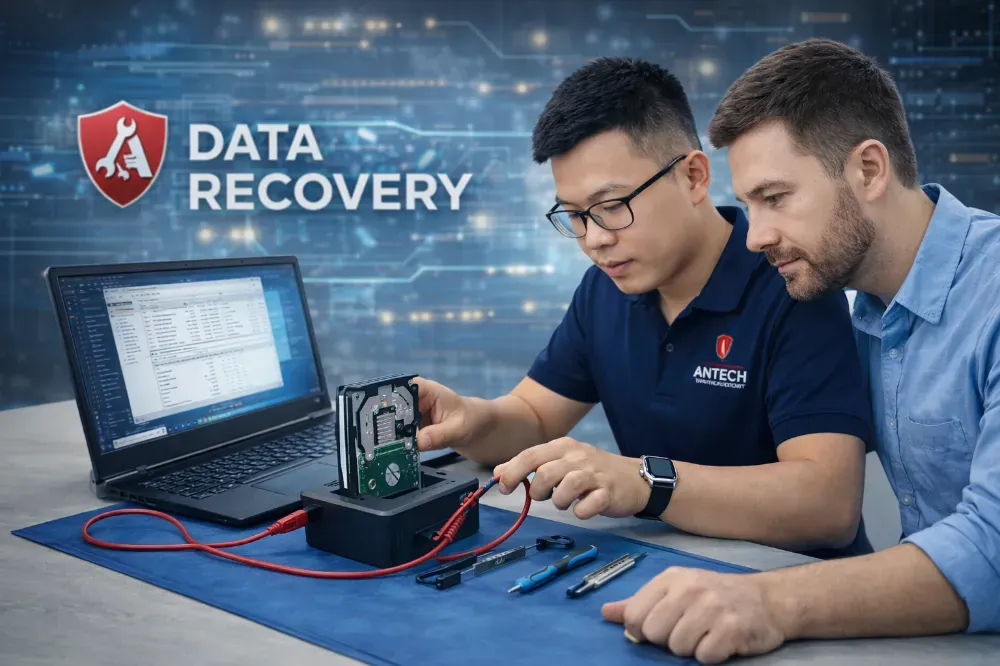
Lost data is usually family photos, accounting files and design files, things that cannot be bought back. The most important step is to stop writing to the drive immediately and bring it in early. The do's and don'ts are summarized in our guide to recovering data from a failed hard drive on this website.
Situations we handle
| Situation | Chance | Note |
|---|---|---|
| Deleted files, accidental format | High if not overwritten | Stop using the drive immediately |
| Lost partition, prompt to format | Usually high | Do not run automatic repair tools |
| HDD clicking or not detected | Depends on the damage | Unplug it now, do not power it again |
| SSD not detected or wrong capacity | Depends on controller fault | Note the capacity, brand and when the fault began |
| Faulty USB drive or memory card | Usually high | Do not plug and unplug repeatedly |
| Drive encrypted by malware | Case by case | Leave it as is, do not rush to pay |
Process and commitments
- Reception and condition logWe record the brand, capacity, symptoms and when the fault began on the ticket.
- Initial inspectionWe determine whether the fault is logical or physical, and state the chance of recovery and the estimated cost.
- Work begins when you agreeClone the drive, recover, and verify file integrity.
- HandoverYou review the list and open test files before paying.
Data confidentiality
Data is accessed only for recovery. After handover and your confirmation, the temporary copy on the technician's machine is deleted. If the data is sensitive, tell us so we can note it on the ticket.
Having trouble with a drive?
Book a drive drop-offUnplug it, stop using it and bring it in for inspection.
- Initial inspection and a stated chance of recovery
- The drive is cloned before work to avoid further damage
- We hand over a list of recovered files for you to check
- Customer data confidentiality commitment
Other services
- Laptop, PC & MacBook Repair in Ninh Binh
- Gaming, graphics & workstation PCs: repair, advice, upgrades
- LAN & Wi-Fi installation for offices and shops
- Security camera installation for homes, shops and offices
- IT Support & Helpdesk for small businesses
- Buying and liquidating laptops, PCs, internet-cafe rigs and office equipment
Repairs by model and common fault
- Dell Laptop Not Powering On Repair in Ninh Binh
- MacBook Battery Replacement in Ninh Binh
- Laptop Screen Replacement in Ninh Binh
- HP Laptop Overheating and Noisy Fan Repair in Ninh Binh
- Lenovo ThinkPad Power, Keyboard and Screen Repair in Ninh Binh
- Asus/Acer Gaming Laptop Overheating, Shutdown and Lag Repair in Ninh Binh
- Desktop PC No Display Repair in Ninh Binh
- Windows, Driver and Software Installation in Ninh Binh