
A five- or six-year-old laptop takes a full minute to open Excel and freezes with many browser tabs. A new machine costs tens of millions of dong; an upgrade costs only a few million. The right question is not “upgrade or buy new” but whether your machine is still worth upgrading.
SSD upgrade: the most effective for machines still on an HDD
If the machine still uses a mechanical HDD, switching to an SSD gives the clearest improvement: much faster startup and nearly instant software launch. This is the upgrade to do first.
RAM upgrade: when does it help?
In Task Manager, if RAM is often above 85% during ordinary work, adding RAM will help. For office and study use, 8 GB is the minimum and 16 GB is comfortable with many tabs and programs. For video editing and graphics, aim for 16-32 GB.
| Situation | What to do | Note |
|---|---|---|
| HDD with 4-8 GB RAM | SSD first, then look at RAM | Clearest improvement |
| 4 GB RAM, already on SSD | Go to 8-16 GB | Check the maximum the machine supports |
| RAM soldered to the mainboard | Cannot be upgraded | Consider a new machine |
| Very old chip, worn battery, broken screen | Consider buying a new machine | Total repair cost close to another machine |
Limits you should know
- RAM soldered directly to the board: newer thin machines often cannot be upgraded.
- SSD standard: 2.5-inch SATA or M.2 NVMe; each machine supports one or both.
- DDR3, DDR4 and DDR5 RAM cannot be mixed. A machine supports only a certain maximum capacity.
- Installing two RAM sticks of equal capacity enables dual-channel, which is faster than one large stick.
When should you buy a new machine?
If the cost of upgrades and repairs exceeds about 40-50% of the price of a new machine that meets your needs, or the chip is too old to run the software you need, buy new. We will say so plainly if your machine is not worth upgrading.
Will an upgrade erase my data?
Can a newly bought machine be upgraded?
ANTECH inspects it and advises a suitable upgrade, saying clearly if it is not worth it.
Related articles
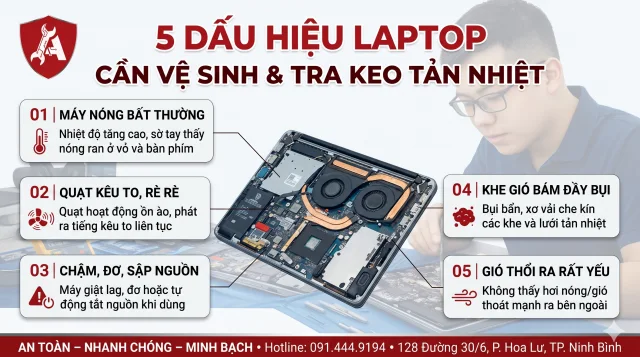
5 dấu hiệu laptop cần vệ sinh và tra keo tản nhiệt
Quạt kêu to, máy nóng ran, tự tắt khi chơi game: 5 dấu hiệu cho biết đã đến lúc vệ sinh laptop và thay keo tản nhiệt, kèm bảng nhiệt độ để tự đối chi…

Laptop Won't Power On: 7 Causes and How to Check Each Step
Laptop not responding to the power button? 7 common causes from charger and battery to mainboard, plus safe self-checks before bringing it in.

Choosing Security Cameras for Homes and Shops: Resolution, Storage and Network
How to choose security cameras for homes and shops: how much resolution is enough, how to calculate drive capacity for the days you need, IP or analo…