
Computers are like motorbikes: small regular maintenance costs far less than a major repair after a breakdown. The list below is split by frequency so it is easy to remember. Most tasks take only a few minutes.
Monthly (about 10 minutes)
- Update Windows, browsers and key software.
- Clear the Downloads folder, recycle bin and temporary files.
- Check drive C capacity; keep at least 15-20% free.
- Back up new data to an external drive or the cloud.
Quarterly
- Remove unused software and check the apps that start with Windows.
- Restore a few files from the backup to be sure it works.
- Wipe the keyboard and screen, and check the charging port and cable.
- Change shared account passwords if staff have changed.
Yearly
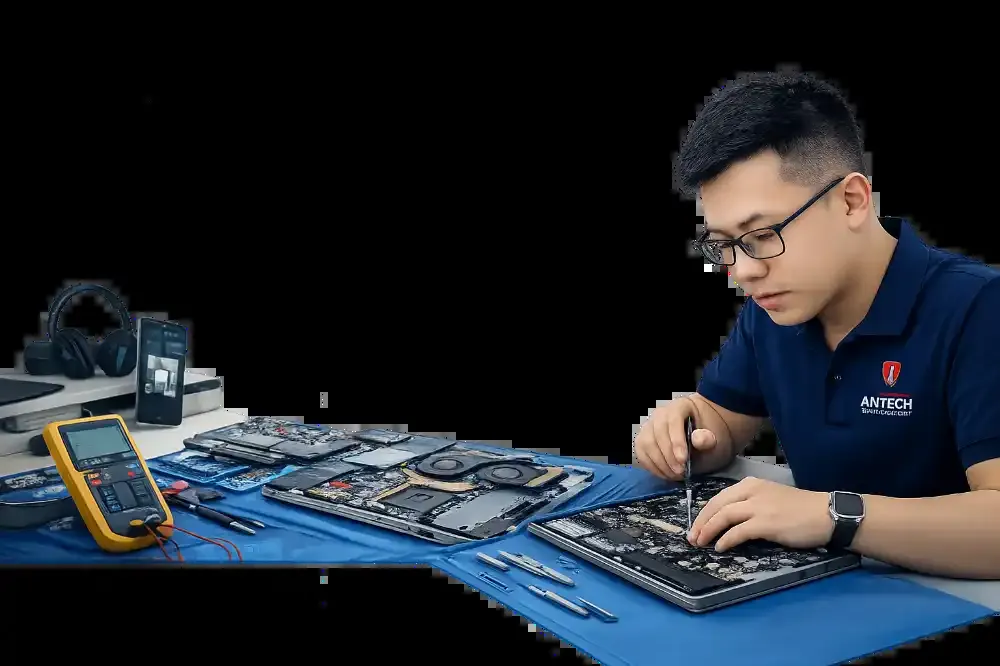
- Clean the inside, check the fan, and replace thermal paste if needed (every 6-12 months for heavily used machines).
- Check drive health (SMART) and the battery.
- Review software licenses, domain expiry and email.
- Reassess the configuration: does the RAM or SSD need an upgrade for your current work.
| Device | Internal cleaning frequency | Notes |
|---|---|---|
| Office laptop | 12 months | Clean environment |
| Gaming or video-editing laptop | 6 months | Machine heats up quickly |
| Desktop PC | 6-12 months | Blow out heatsink fins and case fans |
| Printer, router | 12 months | Dust off, check the power supply |
When should I bring the machine to the shop?
If the machine shows overheating, a noisy fan, unusual slowness or strange drive noises, do not wait for the maintenance schedule. ANTECH offers a periodic maintenance plan for offices with fixed appointments and a condition report for each machine.
What does the periodic office maintenance plan include?
A technician comes on site on a fixed schedule.
Related articles

Swollen MacBook Battery: How to Spot It and Why You Should Stop Using It
Trackpad pushed up, case bent or odd gaps? It may be a swollen MacBook battery. How to recognize the signs, the real risks and how to handle it safel…
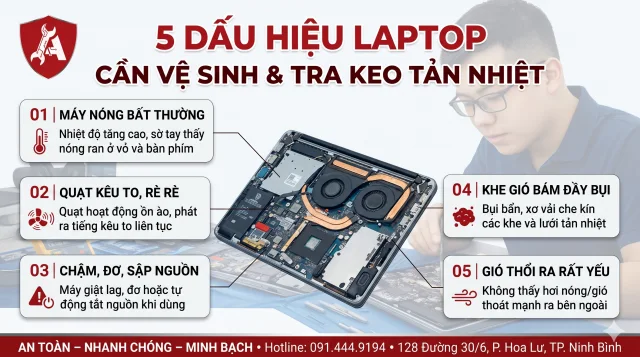
5 dấu hiệu laptop cần vệ sinh và tra keo tản nhiệt
Quạt kêu to, máy nóng ran, tự tắt khi chơi game: 5 dấu hiệu cho biết đã đến lúc vệ sinh laptop và thay keo tản nhiệt, kèm bảng nhiệt độ để tự đối chi…

Selling or Liquidating an Old Laptop: How to Prepare for a Good Price and Safe Data
Preparing to sell or liquidate an old laptop: what drives the price, how to erase data safely, sign out of accounts and what to do before handing it …