
When a lithium battery wears out, it can produce gas inside and make the cell swell. On a MacBook the battery sits right under the trackpad and case, so the signs usually show up there first. This is not a situation to wait on: a swollen battery damages the case and screen and can start a fire.
How to recognize it
- The trackpad is pushed up, no longer clicks smoothly or gets stuck.
- The bottom case is bent and the machine does not sit flat on a desk; it rocks when nudged.
- The gap between the keys and the case is wider than normal.
- The screen cracks or the bezel lifts without any impact.
- Battery life drops quickly and the machine shuts down while a percentage remains.
Check the battery health
Hold the Option key and click the battery icon in the menu bar to see a status such as Normal or Service Recommended. In About This Mac, the system report shows the charge cycle count. A high cycle count and maximum capacity below about 80% is the time to consider replacing it.
Should I keep using it until it fails?
Not once it shows signs of swelling. If it is only worn (shorter runtime) but not swollen, you can keep using it but should monitor it. Replacing the battery early is also much cheaper than having to replace the case, trackpad or screen damaged by the battery.
Our battery replacement process at ANTECH
- Check and confirm the modelIdentify the exact battery part for the model and year of manufacture.
- Remove the battery safelyMacBook batteries are usually glued; we remove them with the proper technique so the cell is not punctured and the trackpad is not damaged.
- Install the new battery and testCheck the charge cycle count, battery recognition, performance and temperature after installation.
- WarrantyThe new battery comes with a warranty written on the repair slip.
How long does a MacBook battery replacement take?
Is it a problem to use a non-genuine battery?
Bring it in for inspection right away, with a quote for the replacement before any work.
Related articles

Selling or Liquidating an Old Laptop: How to Prepare for a Good Price and Safe Data
Preparing to sell or liquidate an old laptop: what drives the price, how to erase data safely, sign out of accounts and what to do before handing it …
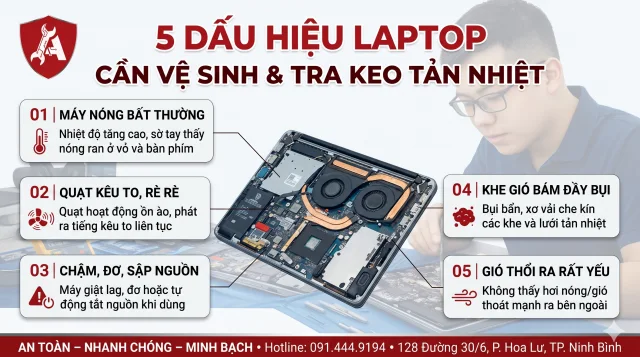
5 dấu hiệu laptop cần vệ sinh và tra keo tản nhiệt
Quạt kêu to, máy nóng ran, tự tắt khi chơi game: 5 dấu hiệu cho biết đã đến lúc vệ sinh laptop và thay keo tản nhiệt, kèm bảng nhiệt độ để tự đối chi…

Computer Maintenance Schedule: What to Do Monthly, Quarterly and Yearly
An easy-to-remember computer maintenance schedule: monthly, quarterly and yearly tasks to keep machines lasting, avoid sudden failures and cut repair…