
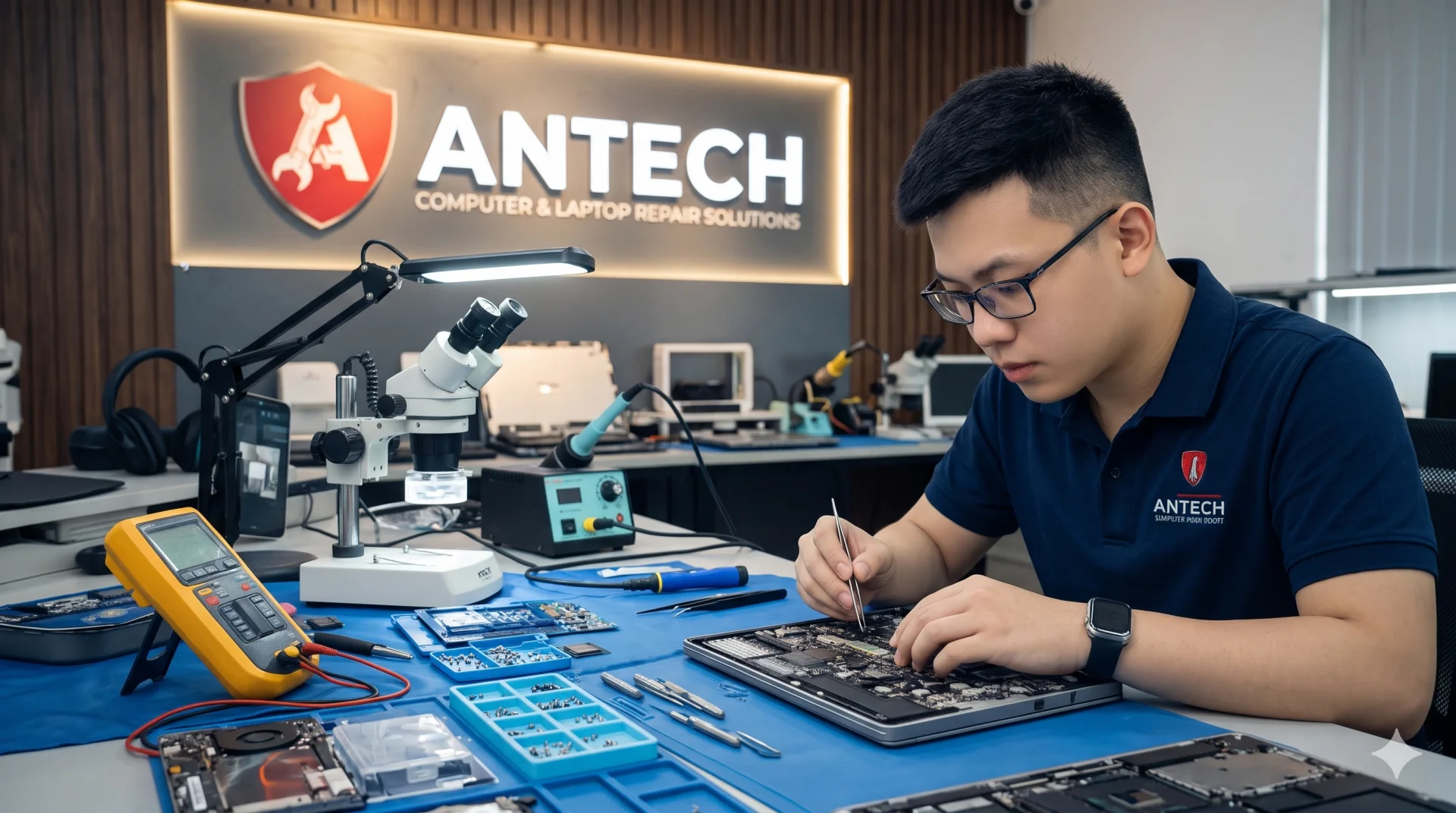
A Dell laptop that will not power on has several common causes that a technician must tell apart before quoting, because the same symptom can cost many times more or less. Below is what we usually check, along with notes specific to Dell laptops.
Common causes on Dell laptops
- Charger with the wrong wattage or a damaged center pin on the barrel connector (many Dell laptops identify the charger through the center pin).
- A worn battery pulling the power down.
- Loose RAM or oxidized contacts.
- A BIOS fault after an update.
- A failed power IC or mainboard fault.
Notes specific to this brand
Many Dell laptops verify the charger through a signal pin. With the wrong charger, the machine may light up yet refuse to charge or run slowly. We check the charger and charging port before opening the mainboard to avoid unnecessary repairs.
Our process at ANTECH
- ReceptionRecord the condition and accessories, create the ticket and lookup code.
- InspectionFind the real cause by ruling out each possibility.
- Quote and confirmationWe itemize parts and labor, and you approve before any repair.
- Repair, load test and handoverTest run, then handover with a warranty slip.
Is your Dell laptop having trouble?
Book an inspectionBook ahead for faster reception and an instant ticket code.
- Inspection and a stated cause before any repair
- Detailed quote for parts and labor
- Warranty written on the ticket
- Zalo updates whenever your ticket changes
Other models and faults ANTECH handles
- MacBook Battery Replacement in Ninh Binh
- Laptop Screen Replacement in Ninh Binh
- HP Laptop Overheating and Noisy Fan Repair in Ninh Binh
- Lenovo ThinkPad Power, Keyboard and Screen Repair in Ninh Binh
- Asus/Acer Gaming Laptop Overheating, Shutdown and Lag Repair in Ninh Binh
- Desktop PC No Display Repair in Ninh Binh
- Windows, Driver and Software Installation in Ninh Binh