
Overheating, random shutdowns and lag on an Asus/Acer gaming laptop have several common causes that a technician must tell apart before quoting, because the same symptom can cost many times more or less. Below is what we usually check, along with notes specific to Asus/Acer gaming laptops.
Common causes on Asus/Acer gaming laptops
- Dried thermal paste, clogged heatsink fins.
- Graphics card overheating, chip failure.
- A worn battery that drops performance when unplugged.
- A weak drive causing stutter while games load.
Notes specific to this brand
Gaming laptops carry a high thermal load, so cleaning and re-pasting every 6-12 months is advisable. We use quality paste and measure temperatures under heavy load before handover.
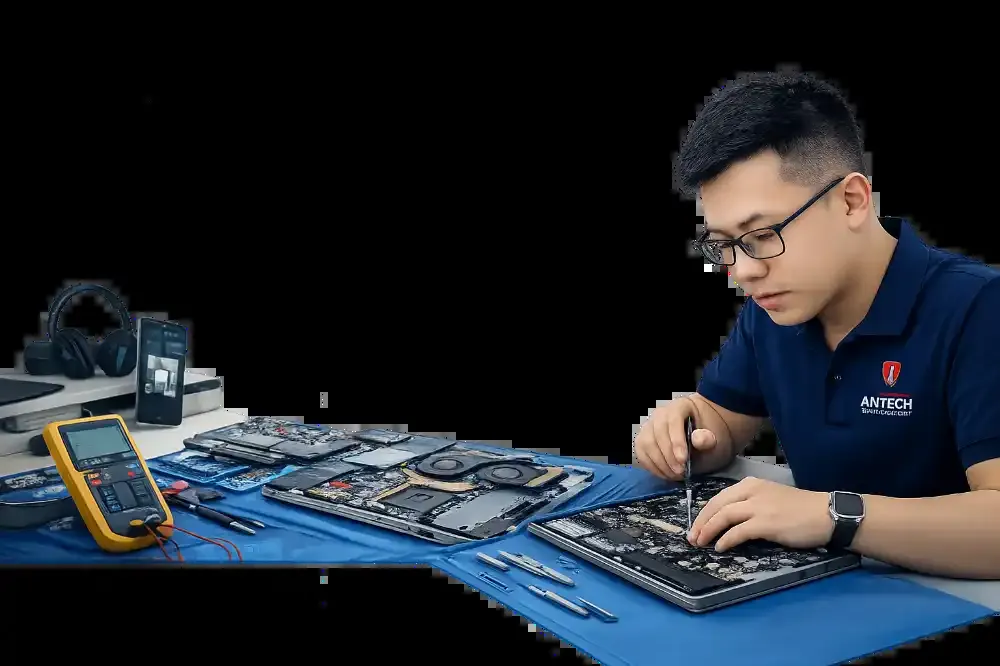
Our process at ANTECH
- ReceptionRecord the condition and accessories, create the ticket and lookup code.
- InspectionFind the real cause by ruling out each possibility.
- Quote and confirmationWe itemize parts and labor, and you approve before any repair.
- Repair, load test and handoverTest run, then handover with a warranty slip.
Is your Asus/Acer gaming laptop having trouble?
Book an inspectionBook ahead for faster reception and an instant ticket code.
- Inspection and a stated cause before any repair
- Detailed quote for parts and labor
- Warranty written on the ticket
- Zalo updates whenever your ticket changes
Other models and faults ANTECH handles
- Dell Laptop Not Powering On Repair in Ninh Binh
- MacBook Battery Replacement in Ninh Binh
- Laptop Screen Replacement in Ninh Binh
- HP Laptop Overheating and Noisy Fan Repair in Ninh Binh
- Lenovo ThinkPad Power, Keyboard and Screen Repair in Ninh Binh
- Desktop PC No Display Repair in Ninh Binh
- Windows, Driver and Software Installation in Ninh Binh